Welcome: Flyron Technology Ltd.
Language:
 ∷
∷

∷
 ∷
∷
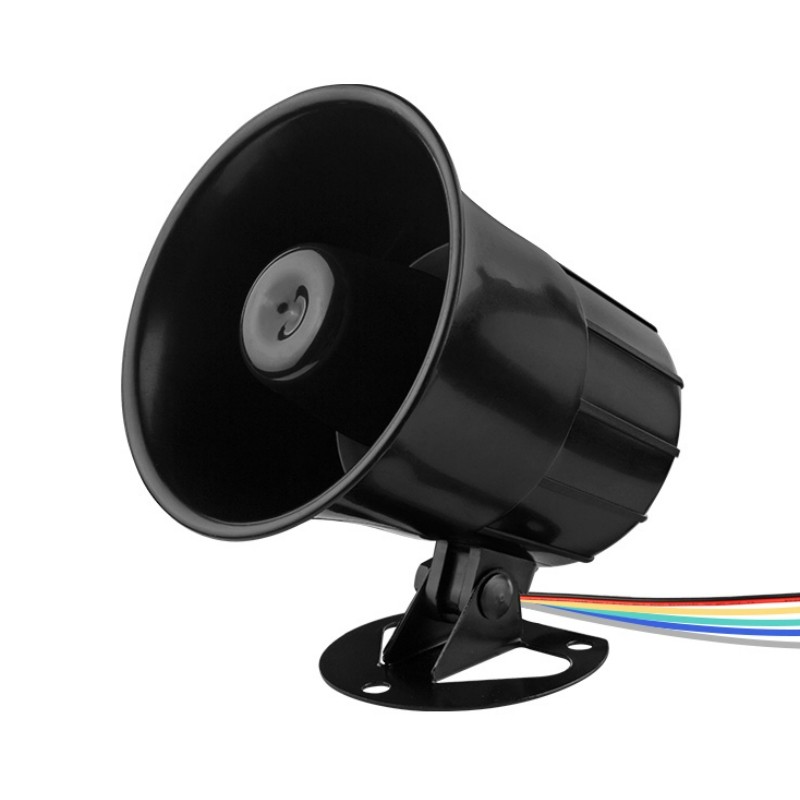
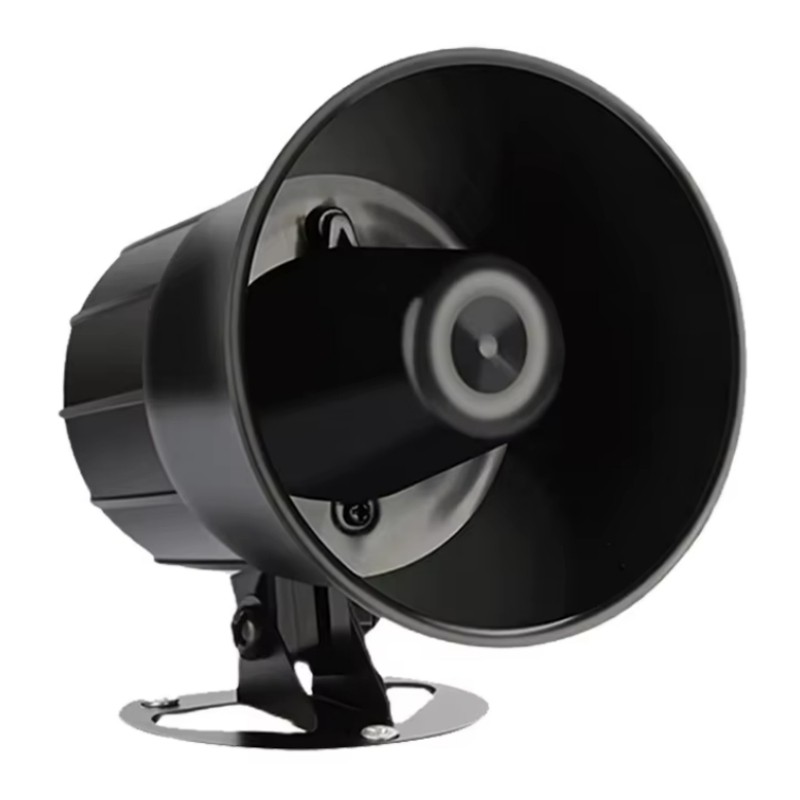
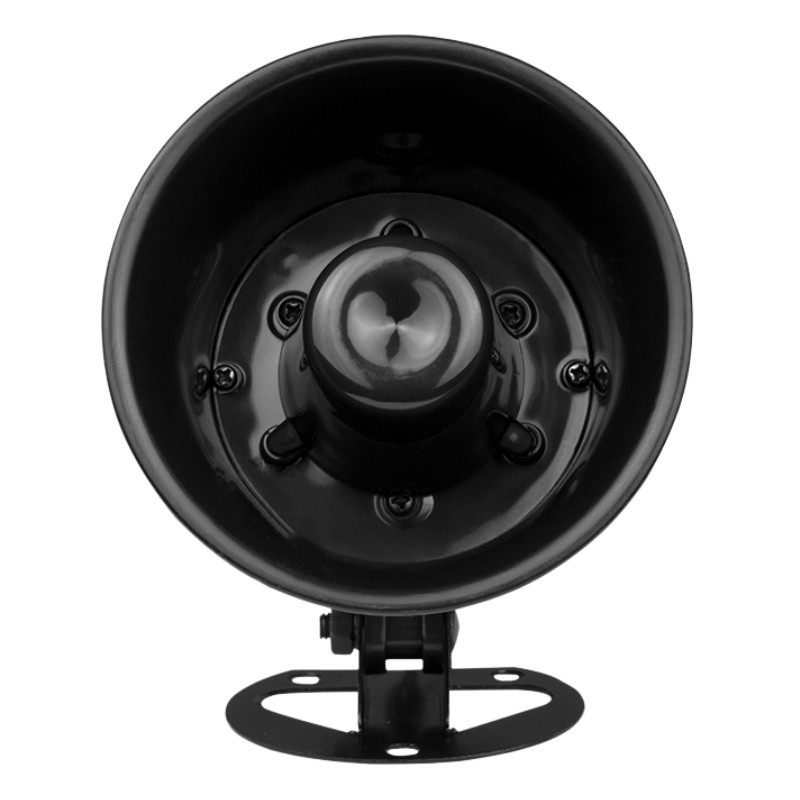
Features
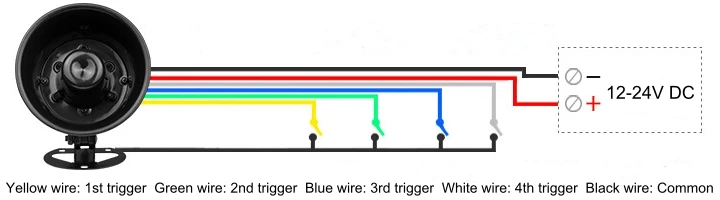
1. 4 trigger inputs available and triggered by negative pulse (low-level) signal / ground.
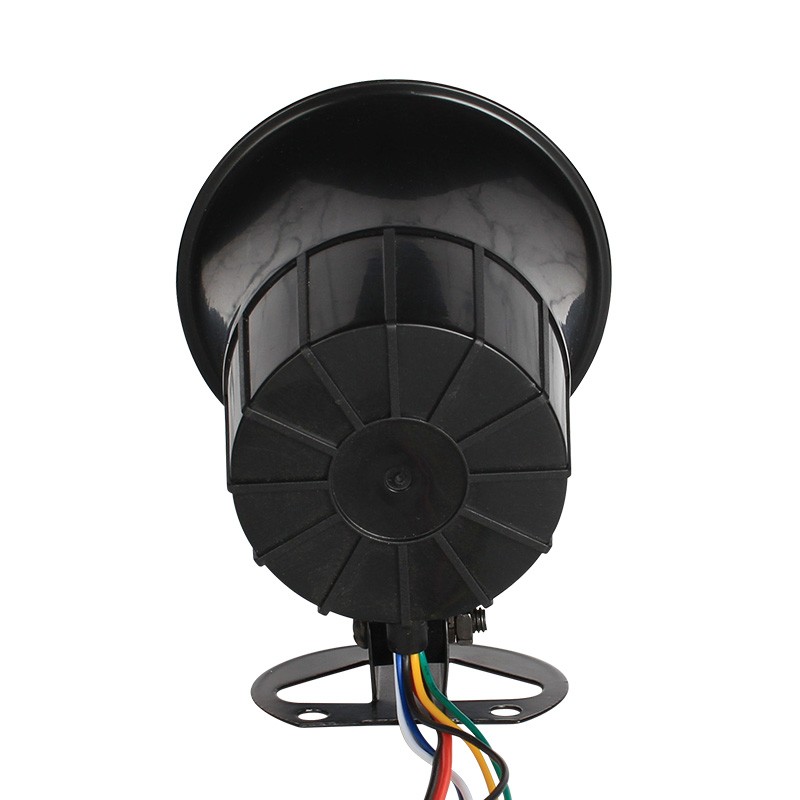
-Yellow wire: 1st trigger (K1), green wire: 2nd trigger (K2), blue wire: 3rd trigger (K3), white wire: 4th trigger (K4)
2. Built-in high quality audio decoder that supports MP3 and WAV audio files.
3. Built-in 8MB flash memory and 30W class D amplifier IC.
4. Supports using a micro SD card as the extended memory.
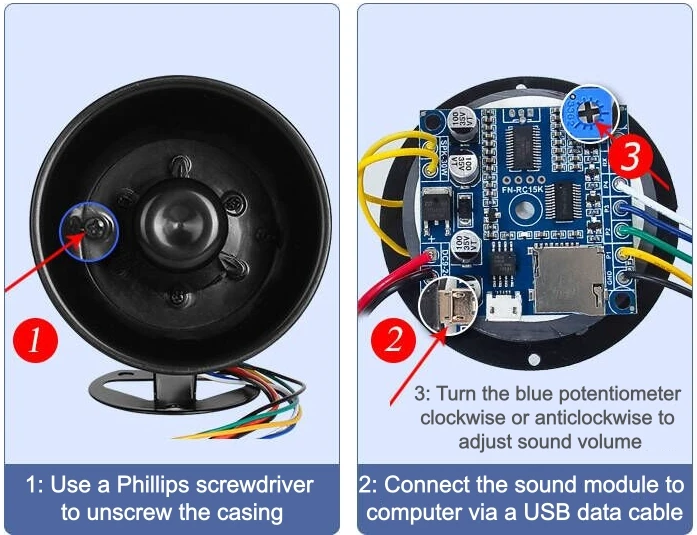
5. Update audio files easily through connecting the internal sound module to computer with a USB data cable.
-The flash memory will be detected as a USB flash drive on computer. No need any program/software.
6. Supports multiple functions (trigger modes).
7. Each trigger input can be set with an individual function (trigger mode) through a configuration file.
8. Can be controlled with buttons, switches, relays, sensors, or equipment with alarm outputs (low-level signal).
9. Adjustable sound volume through the small blue potentiometer on the internal sound module.
-Also possible to set any two trigger inputs to work as Vol+ and Vol- via the configuration file.
10. Wide power input (12-24V DC) and stable performance.
11. Industrial grade design and strong anti-jamming capability.
Technical Parameters
1. Working voltage: DC 12-24V
2. Working current: ≥2000mA
3. Standby current: ≤10mA
4. Power consumption: ≤25W
5. Memory size: 8Mbytes
6. Audio format: MP3 or WAV(≤16bit)
7. Sound pressure level: ≤120dB
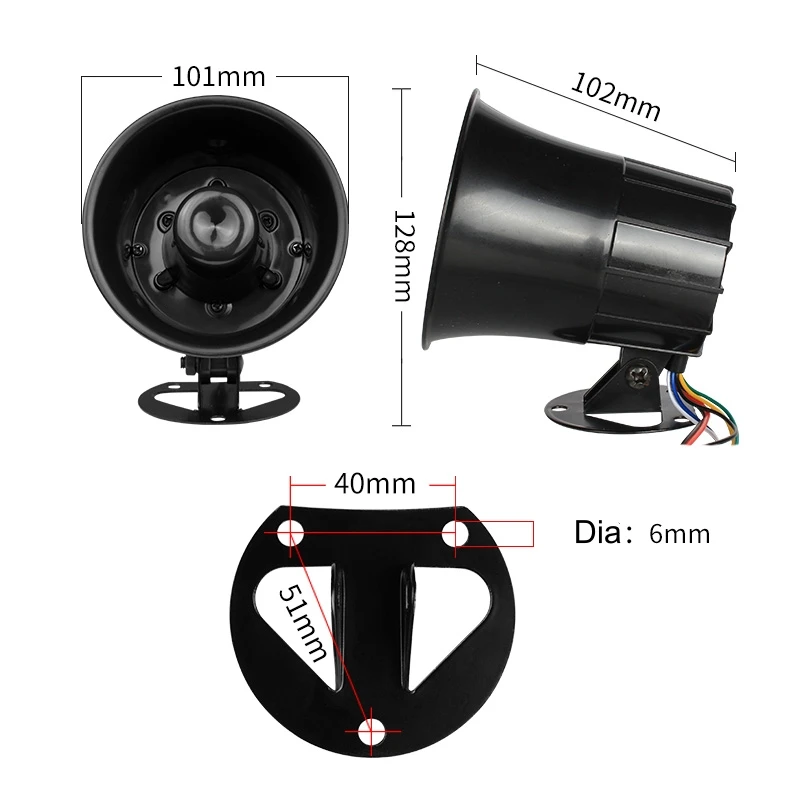
Size
Set Trigger Mode
There are 7 main trigger modes (from “0”to “6”) and 4 assistant trigger modes (from “7”to “A”) available for users to set in a configuration file according to the actual needs
Each of the parameters from “0”to “A”represents a corresponding trigger mode/function, which can be set individually for each of the 4 trigger inputs. See the details below.
Parameter | Corresponding Trigger Mode |
0 | Pulse interruptible |
1 | Hold for playback in a loop |
2 | Pulse non-interruptible |
3 | Pulse non-interruptible and hold for playback in a loop |
4 | Hold for playback once |
5 | Single in a loop |
6 | All in a loop |
7 | Previous |
8 | Next |
9 | Vol+ |
A | Vol- |
Detailed Explanations about the Main Trigger Modes 0-6
Pulse interruptible: In this mode, a single negative pulse will startplayback. It ispossible to interrupt the playback by pressing the same button used to activate. Once playback is interrupted,it will automatically restart the audio fileimmediately.It’s also possible to interrupt the play back by pressing any of the other 3 buttons. Once playback is interrupted, it will automatically start the sound that is associated with the button pressed.
Hold for playback in a loop: In this mode, the negative pulse must be held/maintained to the sound module trigger for audio file to complete. The audio file will only playback while button, or negative pulse, is held/maintained during playback. Once the button being held, or negative pulse, is removed, the playback will be stopped/canceled. Once the button is kept holding, when the playback of the audio file is finished, it will start to play it repeatedly(loop playback).
Pulse non-interruptible: In this mode, a single negative pulse will startplayback.It's not possible to interrupt the playbackby pressing the same button or the other buttons. Once an audio file is triggered, the audio file will not be able to be interrupted/canceled during playback. The playback will only end when the audio file has played its entirety.
Pulse non-interruptibleand hold for playback in a loop: In this mode, a single negative pulse will startplayback.It's not possible tointerrupt the playbackby pressing the same button or the other buttons. Once an audio file is triggered, the audio file will not be able to be interrupted/canceled during playback. If there is a continuous pulse signal or the button is held/maintained before the audio file plays its entirety, it’ll play the audio file again.
Hold for play once: In this mode, the negative pulse must be held/maintained to the sound module trigger for audio file to complete. The audio file will only playback while button, or negative pulse, is held/maintained during playback. Once the button being held, or negative pulse, is removed, the playback will be stopped/canceled. Once the button is kept holding, when the playback of the audio file is finished, it will not start to play it again.
Single in a loop: In this mode, a single negative pulse will startplayback.Press the button and it’s able to play the associated audio file in loop. During playback, if the the same button is pressed again, the playback will be stopped.
All in a loop: In this mode, a single negative pulse will startplayback.Press the button and it’s able to play all the audio files in the storage device one by one in loop. During playback, if the the same button is pressed again, the playback will be stopped. In addition, if the associated trigger input is shortened with GND first, the player will automatically play the audio files one by one in loop once it is powered on.
Easy to Update Audio Files and Adjust the Sound Volume
Example of Wiring Connections
Notes:
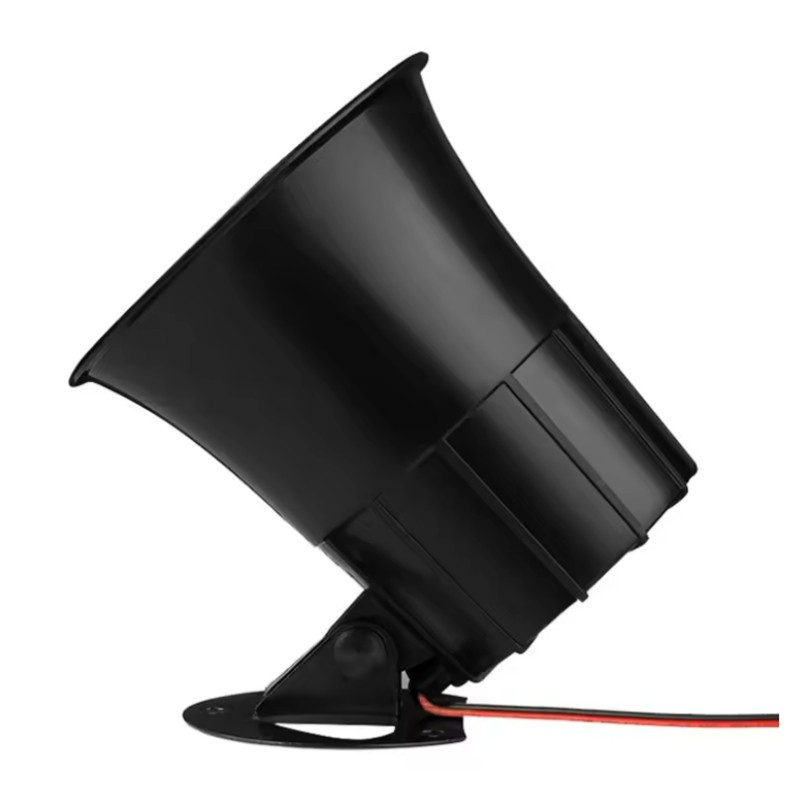
1). There is an additional black wire (GND) working as COM. It’s also possible to directly trigger the horn through a PLC/industrial controller that gives low signal. When it works with a PLC/industrial controller, ground needs to be shared in advance.
2). If you want the horn to automatically play a sound in a loop when powered on, you can use the trigger mode “1” for the trigger input, then short-circuit the corresponding trigger wire and the black wire (common wire) and keep them connected.
Contact: Mr. Kevin Xu
Phone: To be updated
Tel: To be updated
Email: info@flyrontech.com
Add: No. 344, Shangye Ave., Huadu District, Guangzhou City, Guangdong Province, China
 Kevin Xu